Get the latest tech news
How to Check Your Mac's Manufacture Date in macOS 27
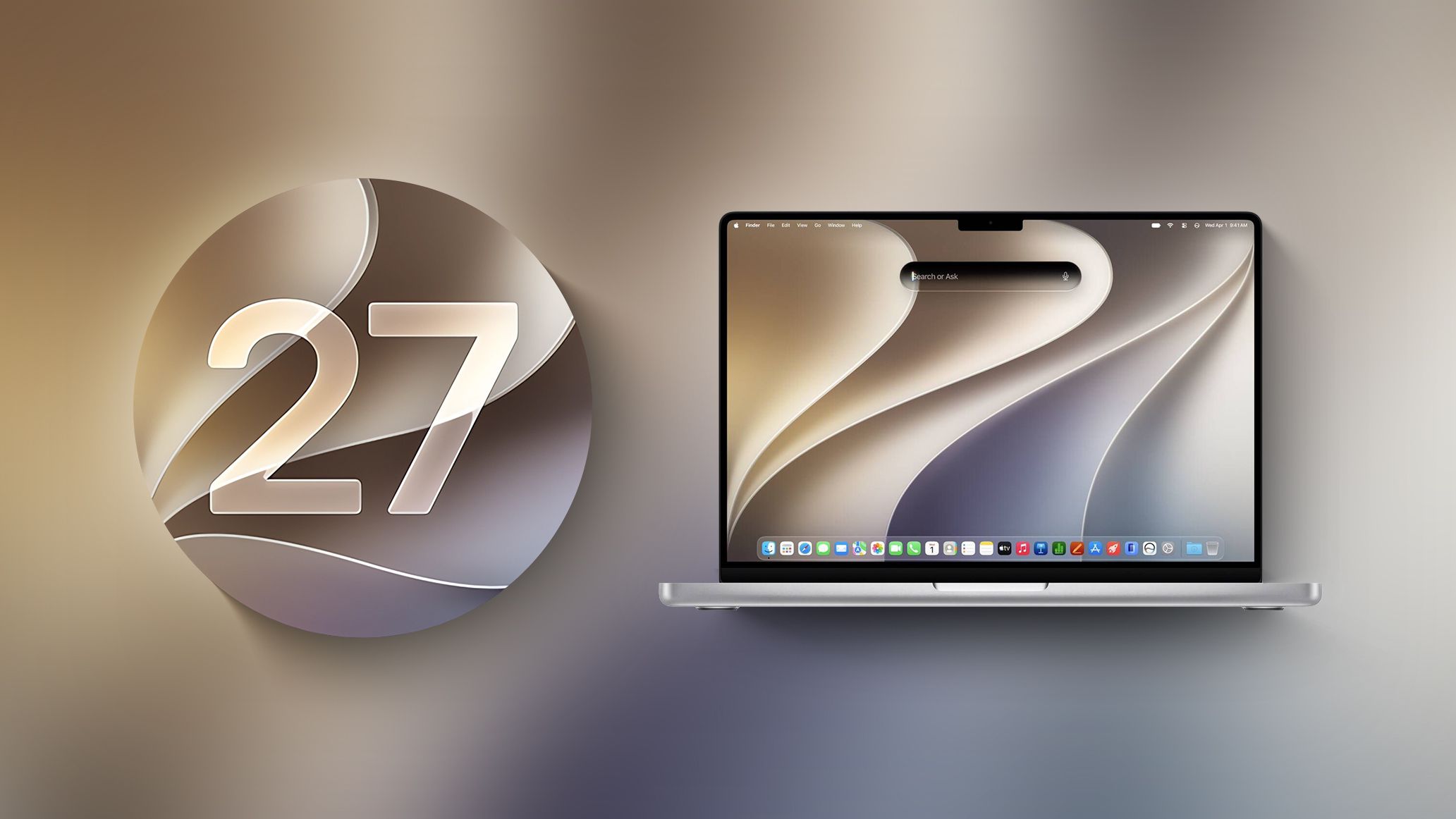
If you installed macOS 27 Golden Gate, here's a way to find out when your Mac was manufactured. Apple has restored access to information that effectively disappeared when it randomized its serial numbers a few years ago. On your Mac, go to System Settings ➝ General ➝ About, then click "Regulatory Certification" under the System Report button. The certificate will show with a new "Date of Manufacture" field at the bottom.
None
Or read this on Mac Rumors