Get the latest tech news

One annoying problem with the iPhone Messages app has an easy fix


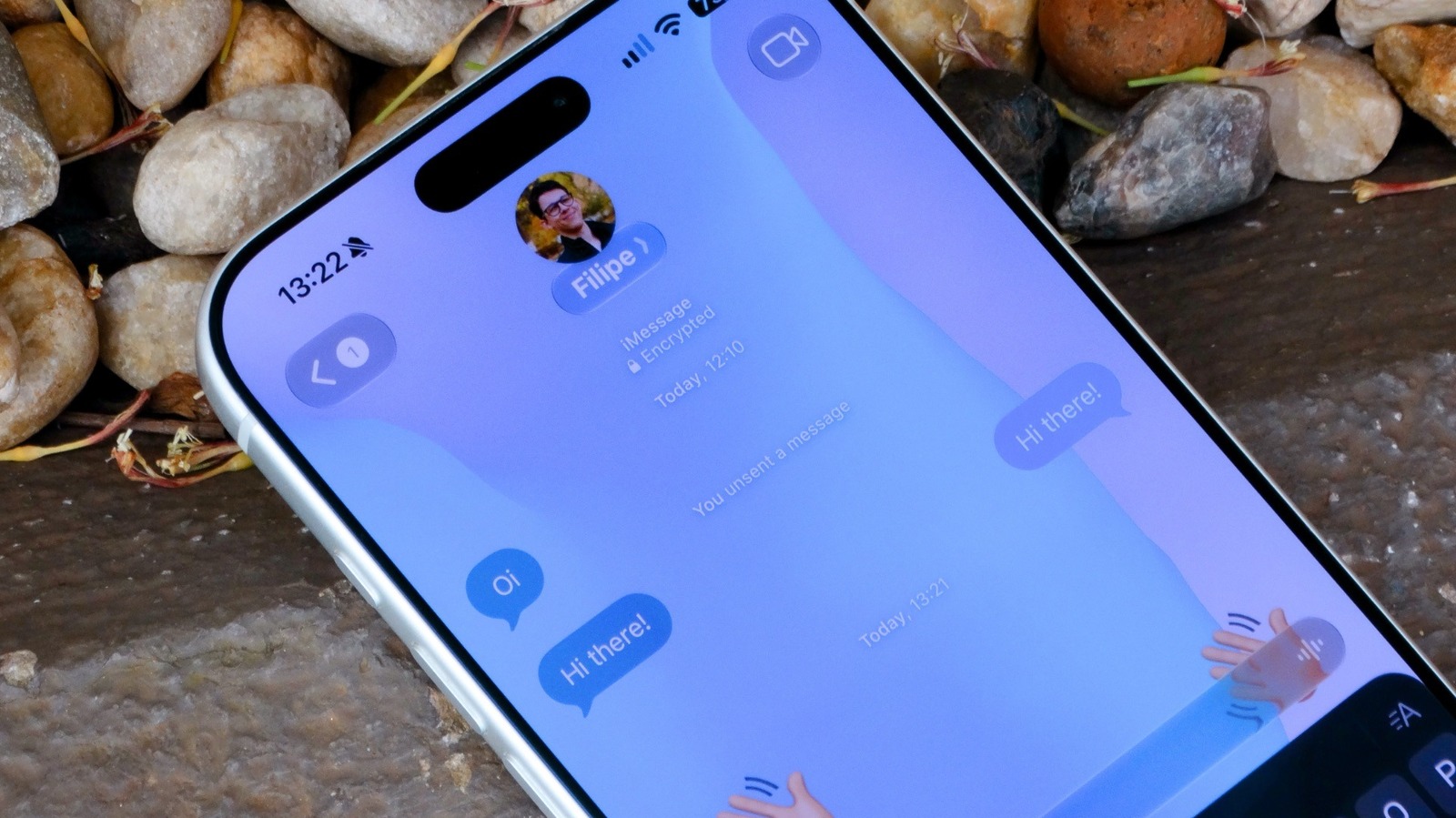
Apple's iMessage apps can easily be rearranged by pressing the Plus (+) button, selecting the app to move, and moving it up or down in the list.

None

Get the Android app

Or read this on Endgadget

Read more on:

Photo of easy fix

easy fix

Photo of iphone messages

iphone messages

Photo of annoying problem

annoying problem

Related news:

News photo

macOS 27 just fixed the most annoying problem for third-party HDR displays

News photo

No Easy Fix for Bogus Respondents in Online Opt-In Polls

News photo

How to change the background on iPhone Messages