Get the latest tech news

The overlooked Samsung One UI setting that cleans up your screenshots


Take cleaner Samsung Galaxy screenshots by enabling the Hide status and navigation bars setting in One UI's Advanced features No apps or manual cropping needed.

None

Get the Android app

Or read this on Endgadget

Read more on:

Photo of Screenshots

Screenshots

Photo of Samsung One UI

Samsung One UI

Related news:

News photo

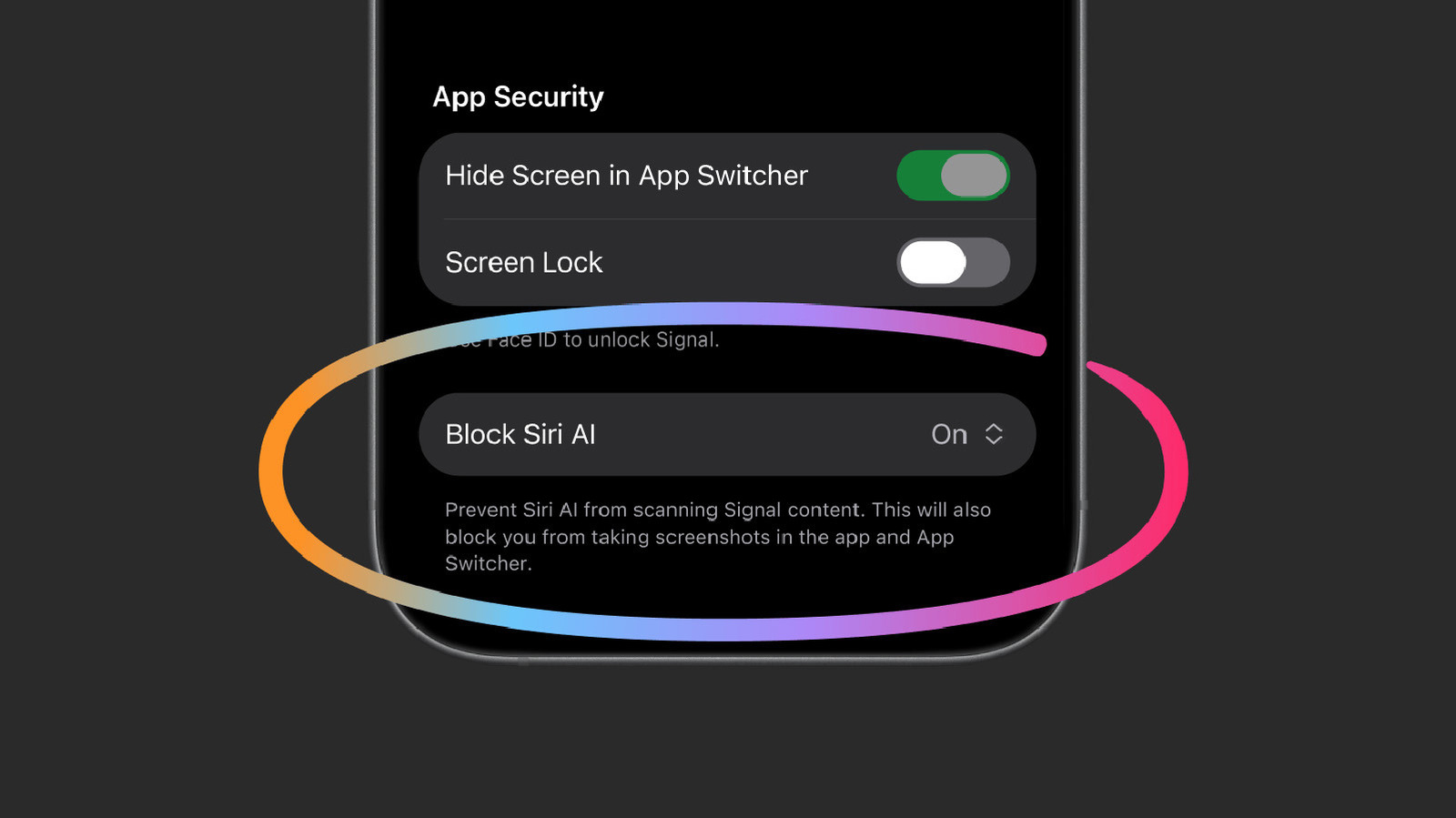
Signal now blocks screenshots by default to keep AI agents from reading your chats

News photo

Signal Restricts Screenshots to Block AI Agents From Reading Messages

News photo

Signal now blocks screenshots by default to stymie AI agents